

For two years, nearly every SEO conversation we’ve had eventually landed on the same unanswered question: how much of our traffic is AI Overviews actually eating? You’d see a dip in Analytics, read a dozen theories about it on some forum, and still have no real way to confirm whether the drop was AI summarizing your content instead of sending the click or just something else entirely going on.
On June 3, Google finally closed that gap, at least partly. Search Console now has a dedicated Generative AI performance report, sitting right alongside the standard Search results view under Performance. It’s not new data exactly, impressions from AI Overviews and AI Mode were always folded into your overall totals but for the first time, that slice is broken out on its own. You can actually see it now instead of guessing at it.
What's Actually in the Report
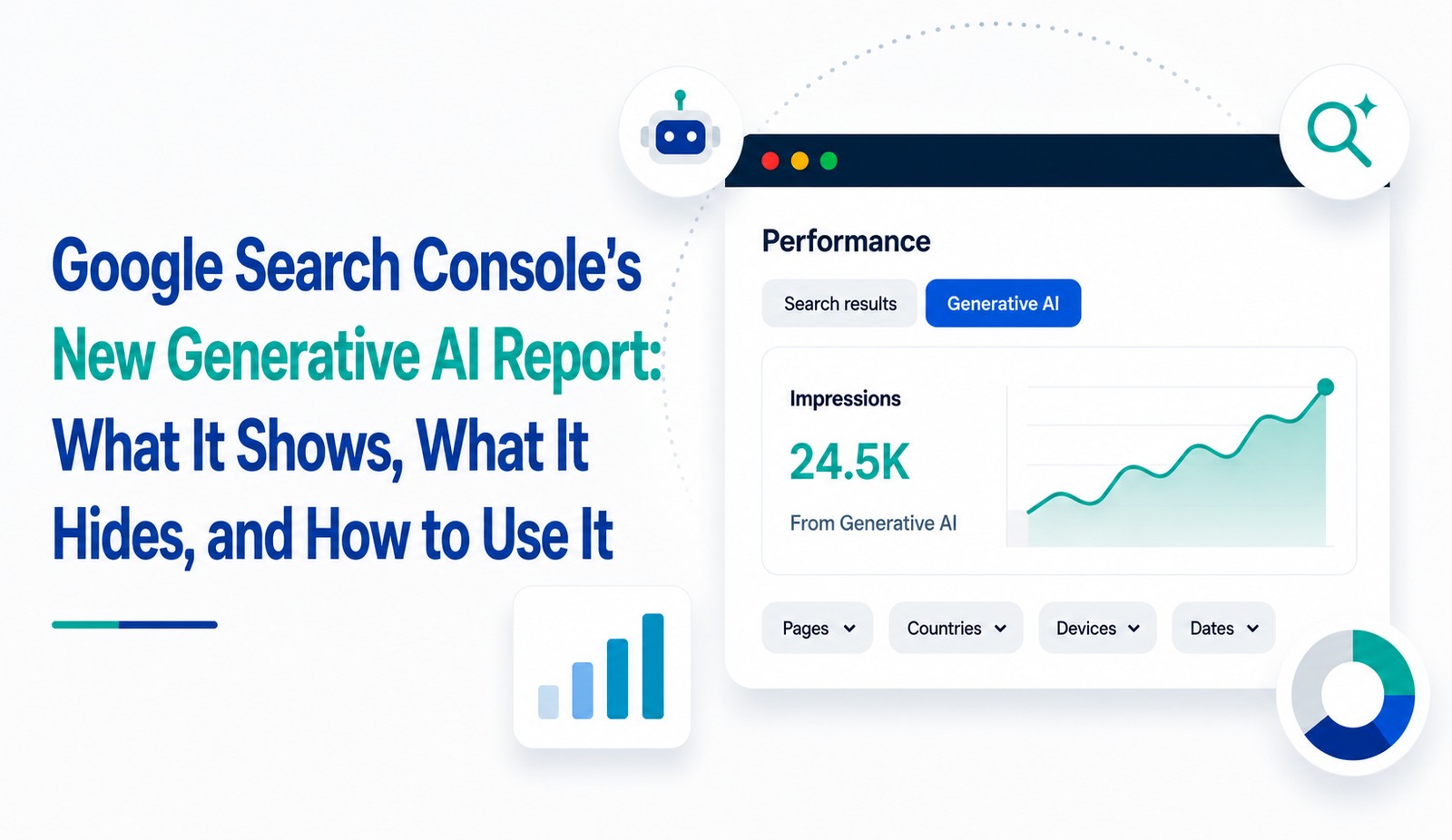
Open Performance in Search Console and you’ll find a Generative AI tab sitting next to the familiar Search results view (some properties can jump straight there by appending /ai to the performance URL). Once it’s live on your property, it shows impressions how often a page from your site surfaced inside an AI Overview, AI Mode, or Discover’s AI features broken down by page, country, device, and date, right down to the hour if you need that granularity.
What it doesn’t show yet is clicks, click-through rate, or which queries triggered the appearance. So you can confirm you’re being seen inside an AI-generated answer, but not yet whether that visibility is sending anyone to your site. Data also only goes back to mid-May, with no historical backfill, so there’s no way to compare this against last year’s numbers if you’re building a new baseline from scratch.
The Quirks Worth Knowing Before You Trust the Numbers
A couple of details change how you should read this data, and honestly, they’re easy to miss on a first pass.
If a page shows up both inside an AI-generated summary and in the regular organic search results for the same query, Search Console counts that as one impression, not two. That means the total isn’t purely additive on top of what you were already seeing some of it overlaps with clicks and impressions you were already counting elsewhere.
The three AI surfaces are also blended together in the main chart. AI Overviews, AI Mode, and Discover’s generative features all get counted as one combined number, so you can’t yet isolate how much came from which source. If a page is showing strong AI impressions, you currently can’t tell whether that’s coming from someone searching directly or from Discover surfacing it in a feed. Google has said more granularity is coming, but there’s no confirmed date attached to that yet you can follow updates directly on the Google Search Central Blog, which is where these rollouts typically get announced first.
Who Can See It Right Now
Access is still rolling out gradually rather than switched on everywhere at once. The initial release leaned UK-first, tied to a fairness commitment Google made to the UK’s Competition and Markets Authority, and it’s been expanding to more properties globally since. If the Generative AI tab isn’t showing up on your property yet, that’s usually just a rollout timing thing rather than anything wrong with the site check back every couple of weeks instead of assuming you’ve been left out on purpose.
How to Actually Use It This Week
The instinct with any new report is to stare at the top-line number and feel either relieved or alarmed. Neither reaction really tells you much on its own; we’ve seen clients do both in the same week. What’s actually useful is comparing the Generative AI view against your regular Performance report for the same pages, over the same window. A page that’s losing organic clicks while its AI impressions climb is a very different situation from one that’s simply losing visibility everywhere; the first needs a content strategy conversation, the second needs a technical one.
It’s also worth pairing this with whatever analytics platform tracks actual sessions and conversions. Impressions alone confirm you’re being surfaced; they don’t confirm that surfacing is worth anything commercially. Until Google adds click data, that pairing is the only way to get a real read on whether AI search visibility is helping or just replacing the clicks you used to get for free.
Watch the Pages That Show Up There
Once the data starts flowing, the more interesting exercise isn’t the total it’s which specific pages are appearing inside AI Overviews and which aren’t. Pages that answer a question directly, in a clearly structured way, tend to be the ones AI systems pull from most often. If a handful of pages are getting the bulk of the AI impressions while the rest of the site is invisible in that surface, that’s a fairly direct signal about which of your content actually reads as a clean, citable answer versus which reads as a general pitch.
This is closely tied to how a site approaches structured, entity-driven content in the first place the pages built with clear answers and defined topical authority are usually the same ones that surface well here. If your content strategy hasn’t caught up with that shift yet, our breakdown on Generative Engine Optimization and E-E-A-T covers how to structure content so it reads as citable to AI systems, not just crawlable to bots.
Check it every few weeks rather than once and forgetting about it the pages that get pulled into AI answers shift as content ages and as competitors publish their own versions of the same topic.
The Opt-Out Toggle, and Why We're Leaving It Alone
Alongside the report, Google added a control under Settings for opting a property in or out of AI Overviews, AI Mode, and Discover’s AI features entirely. It’s a genuine kill switch site that opt out to get zero impressions and zero grounding from those surfaces, and it isn’t used as a ranking signal for regular organic results either way. That last part matters: turning it off doesn’t protect your rankings, it just removes you from a growing discovery channel.
There’s also a limitation worth knowing if opting out is genuinely on the table: the toggle only governs Google’s own Search and Discover surfaces. It doesn’t extend to the standalone Gemini app, which can still summarize a site’s content separately. So opting out feels more complete than it actually is.
Unless there’s a specific, deliberate reason to sit out of AI search, a licensing concern, a business model that depends on gating content, or a few weeks of data showing AI visibility is actively cannibalizing clicks with nothing to show for it, this is a toggle we’d leave alone for now. Flipping it off the day it shows up in Settings tends to be a decision made out of unease, not data.
FAQs: Google Search Console's Generative AI Report
Does the Generative AI report show click data? No. As of now, it only shows impressions how often your pages appear inside AI Overviews, AI Mode, or Discover’s AI features. Click-through rate and query-level data aren’t available yet.
Why can’t I see the Generative AI tab on my property? Rollout is gradual and started UK-first due to a regulatory commitment, expanding globally since. A missing tab is usually a timing issue, not a site-specific restriction.
Does opting out of AI Overviews hurt my regular search rankings? No. Google has confirmed the opt-out toggle doesn’t affect organic ranking signals; it only removes your site from AI-generated surfaces like AI Overviews, AI Mode, and Discover.
Can I separate AI Overviews impressions from AI Mode or Discover? Not currently. All three surfaces are combined into a single number in the report. Google has indicated more granular breakdowns are planned, without a confirmed timeline.
How far back does the Generative AI report’s data go? Data starts from mid-May 2026, with no historical backfill so there’s no way to compare current numbers against the same period last year.
Final Thoughts
Honestly, this report won’t tell you everything yet, and it’s worth being upfront about that. No click data, no query breakdown, no way to compare against last year, no way to tell AI Overviews apart from AI Mode or Discover. It’s an incomplete picture but it’s still the first honest look publishers have gotten into a part of search that’s been quietly reshaping how people find answers for a while now.
We don’t think this is a report you check once and move on from. The sites that get real value out of it will be the ones that build it into a habit: glance at AI impressions against organic clicks for the same pages every month or so, notice which content keeps getting pulled into AI answers and which never does, and let that steer what gets rewritten next. It’s less about the number on any given day and more about watching how it moves.
We’re keeping an eye on this rollout across the client sites we manage, and we’ll update this piece as Google adds more to the report.
For more updates like this and if you’re ready to grow your online business the right way connect with Techbound Innovation today